

10 MCP servers worth trying in 2026 (with Claude / Cursor setup)
MCP (Model Context Protocol) lets an AI connect to real tools and data — files, the web, databases, code. Here are official MCP servers worth trying, plus step-by-step setup.
What MCP is, briefly
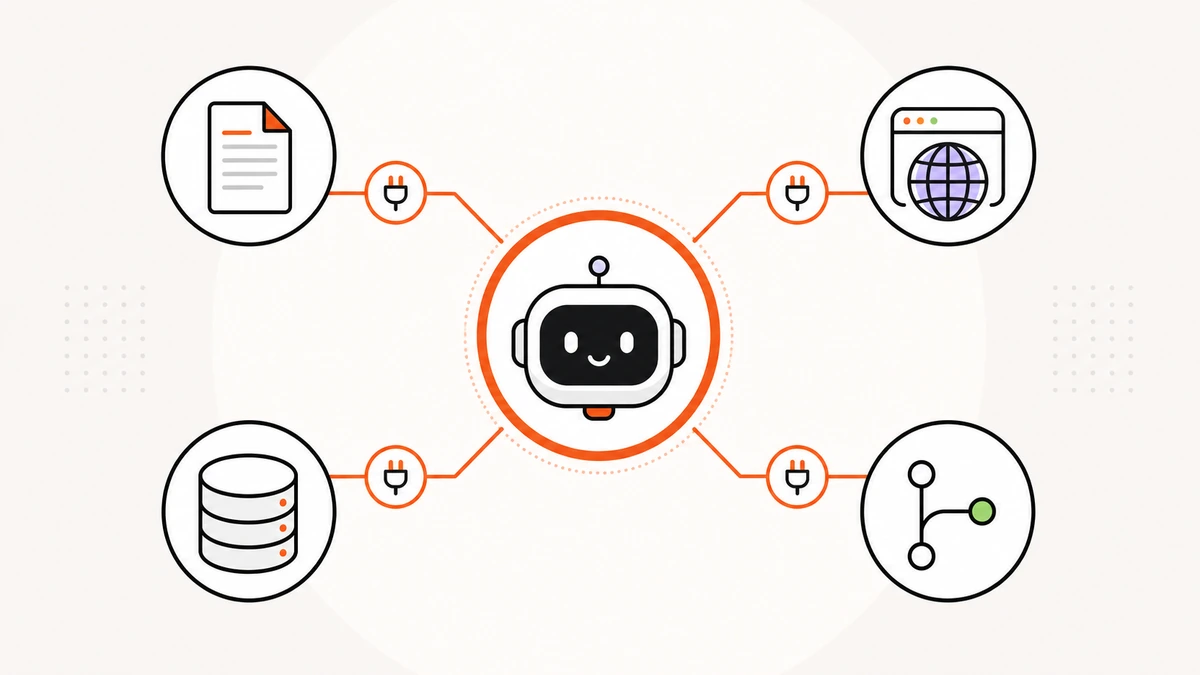
MCP (Model Context Protocol) is a standard “plug” that lets an AI like Claude or Cursor reach external tools and data — read/write local files, search the web, query databases, manage GitHub — calling real tools instead of guessing from memory.
For the full concept, read What is MCP.
Why use MCP
- More accurate — grounded in real data, fewer hallucinations
- Actually does the work — opens files, edits code, opens PRs
- One standard — write once, use across Claude, Cursor, VS Code, Windsurf
10 recommended MCPs (official/popular)
Each below is maintained by its product owner or widely used. Open its detail page (README + install) in our catalog.
| MCP | What it does |
|---|---|
| GitHub | read/edit code, manage issues & PRs |
| Filesystem | let the AI read/write local files |
| Context7 | fetch up-to-date library docs |
| Playwright | drive a browser, automate web tests |
| Cloudflare | manage Workers, KV, R2, D1, DNS |
| MongoDB | query/manage MongoDB & Atlas |
| Chrome DevTools | debug browsers, inspect performance/network |
| Notion | read/write Notion via AI |
| Supabase | database / auth / storage |
| Perplexity | web search with cited answers |
Browse all 69, organized by job, in the MCP catalog.
Connecting MCP to Claude / Cursor
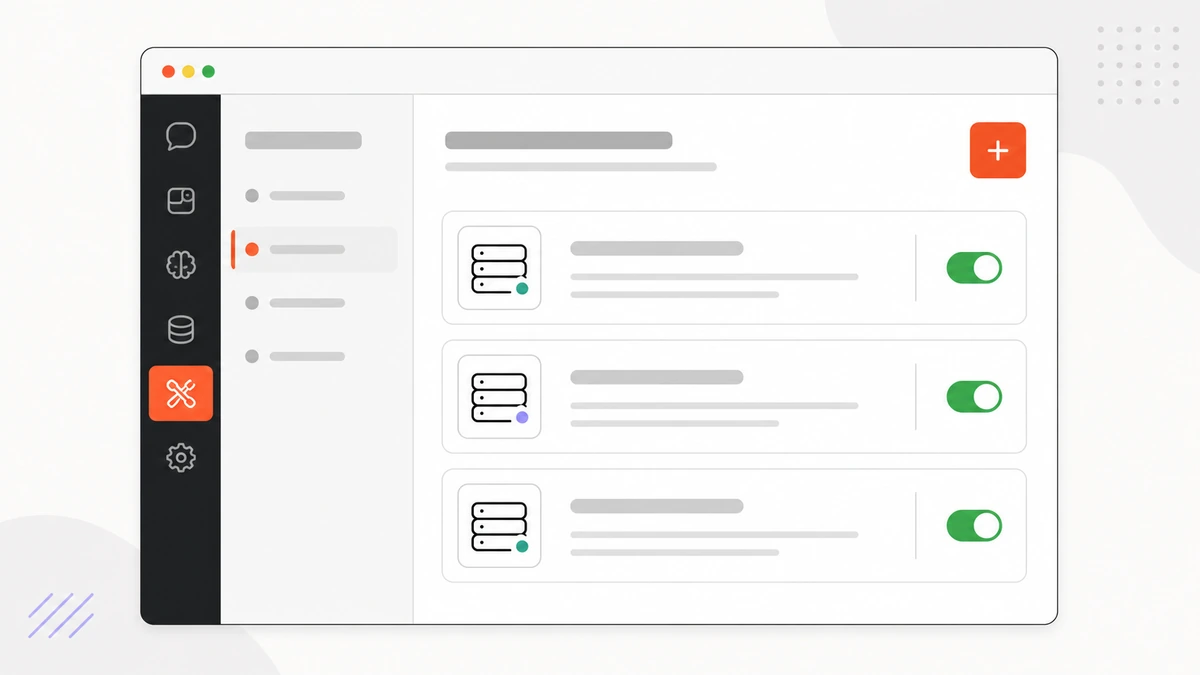
- Open the MCP's detail page in our catalog and copy the install command (e.g.
npxoruvx) - Claude Desktop: Settings → Developer → edit
claude_desktop_config.json, add the server undermcpServers - Cursor: Settings → MCP → Add new server, paste the command
- Add any required API key/permission (some need none) — grant least privilege
- Restart the app and try a plain-language task like “open this project's README”
Want a ready-made set bundling MCPs + prompts + how-to? See Loadouts.
Security notes
- Use MCPs from official owners or inspectable repos
- Check what it requests — file / shell / network / account access
- Never put a real API key in public; use least-privilege
- Treat everything a tool returns as untrusted input
See our trust tiers at the Trust Center.
Wrap-up
MCP makes an AI work with the tools around you. Start with one or two that fit your work — Filesystem + GitHub — then add more, preferring official maintainers for safety.