

📝 Beginner
What is AI, and what can it do? — for people who've never used it
Never touched AI? That's fine. This explains, with zero jargon, what AI is, what it can do, which ones are free, and how to start without fear.
What AI is (simplest version)
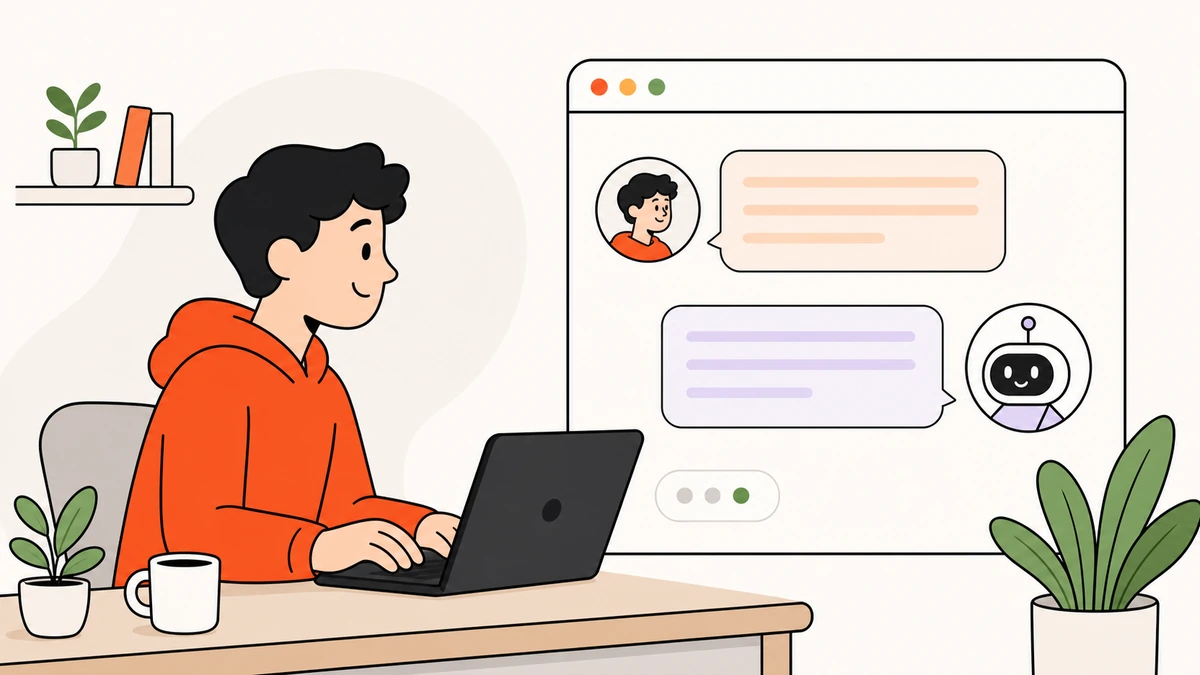
Think of AI (the kind everyone talks about now) as an assistant you chat with by typing — ask anything, have it write, think, or summarise for you, like having someone knowledgeable beside you.
No coding or tech knowledge needed — just type in plain language.
What AI can help with
- Write or help reply to emails / messages
- Summarise long documents into something short
- Translate naturally
- Help you brainstorm / plan (trips, meals, work)
- Explain hard things simply
See 10 everyday uses in 10 everyday things AI can do.
Popular AIs — are they free?
The widely used ones all have a free version to try:
- ChatGPT — easiest to start, most famous
- Claude — great at writing / long reading
- Gemini — Google's, connects to Google services
Any is fine — start free · see Supported AI.
What AI still can't do (worth knowing)
- Sometimes it's confidently wrong — check before trusting, especially numbers/facts
- It doesn't know your private details unless you tell it
- Its info isn't always up to date
Should you be worried?
Everyday use is safe, but remember 3 things:
- Don't type secrets like passwords or card numbers
- Check answers before real use
- AI is an assistant, not a decision-maker for you
So how do you start?
Very simple — open an AI site, sign up free, and just type a question.
Not sure what to ask? Read How to use AI for the first time.