

📝 Beginner
How to use AI for the first time — what to type when you open it
Opened an AI and just stared at a blank screen? This walks you through it step by step, with 10 questions you can try right away.
1. How to open it
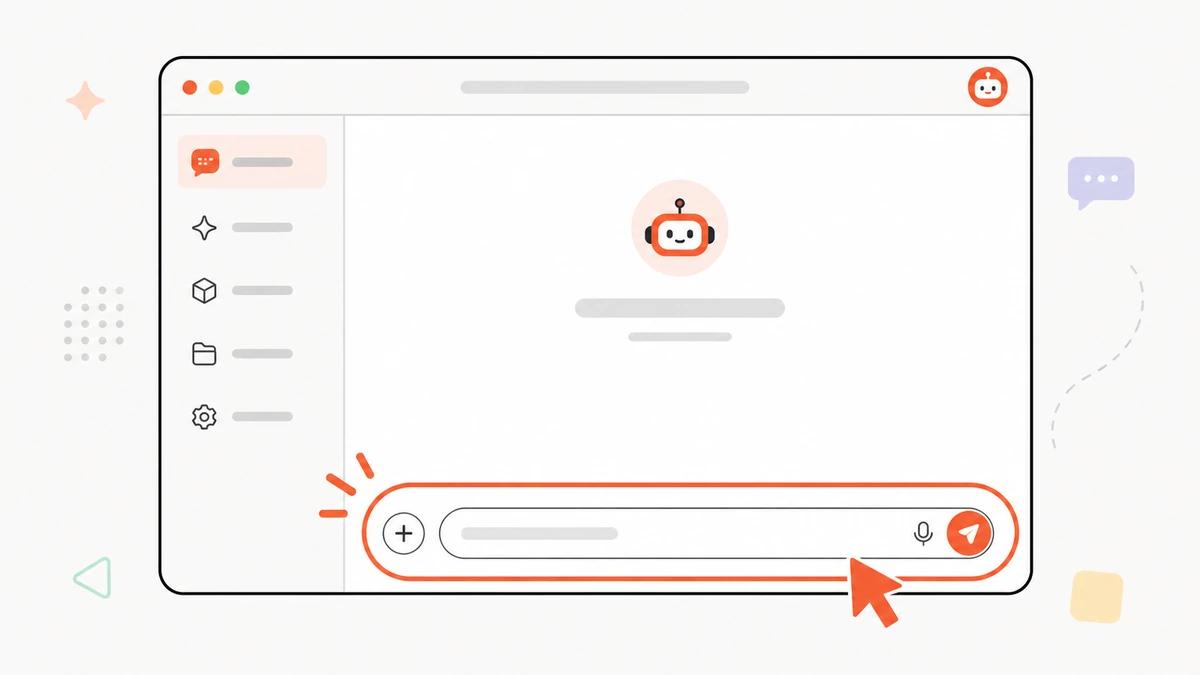
- Go to an AI site (e.g. ChatGPT or Claude) and sign up free with email/Google
- You'll see an empty input box at the bottom — that's where you chat
- Type a question, press Enter, wait a moment for the reply
2. How to ask for good answers
No need to be formal — type like you're talking to a person:
- Say clearly what you want — “write a polite email requesting 3 days off”
- Give context — the more you tell it, the sharper the answer
- Want a certain style? Just say so — “short”, “as bullets”, “casual tone”
3. 10 questions to try first
- “Explain [topic] simply, like I'm 10”
- “Write an email asking for ...”
- “Summarise this shorter: [paste text]”
- “Translate this to Thai naturally: ...”
- “Give me 5 name/caption ideas”
- “Plan a 2-day trip to [city]”
- “Plan a week of meals”
- “Pros and cons of [A vs B]?”
- “Proofread and smooth this: ...”
- “I want to start [something] — how do I begin?”
4. If the answer isn't great
Don't start over — just tell it more, like continuing a chat:
- “shorter”, “longer”, “more formal”
- “give an example”
- “that's not quite it, try again by...”
It remembers the conversation, so it keeps adjusting.
5. What's next
Comfortable and want AI to do real work? Read Start using AI for real work in your first hour.